Speak · Listen · Notes
Type it. Your phone says it out loud.
When someone answers, their words come back as big text. Back and forth. That’s all it does.
Free to download on iPhone

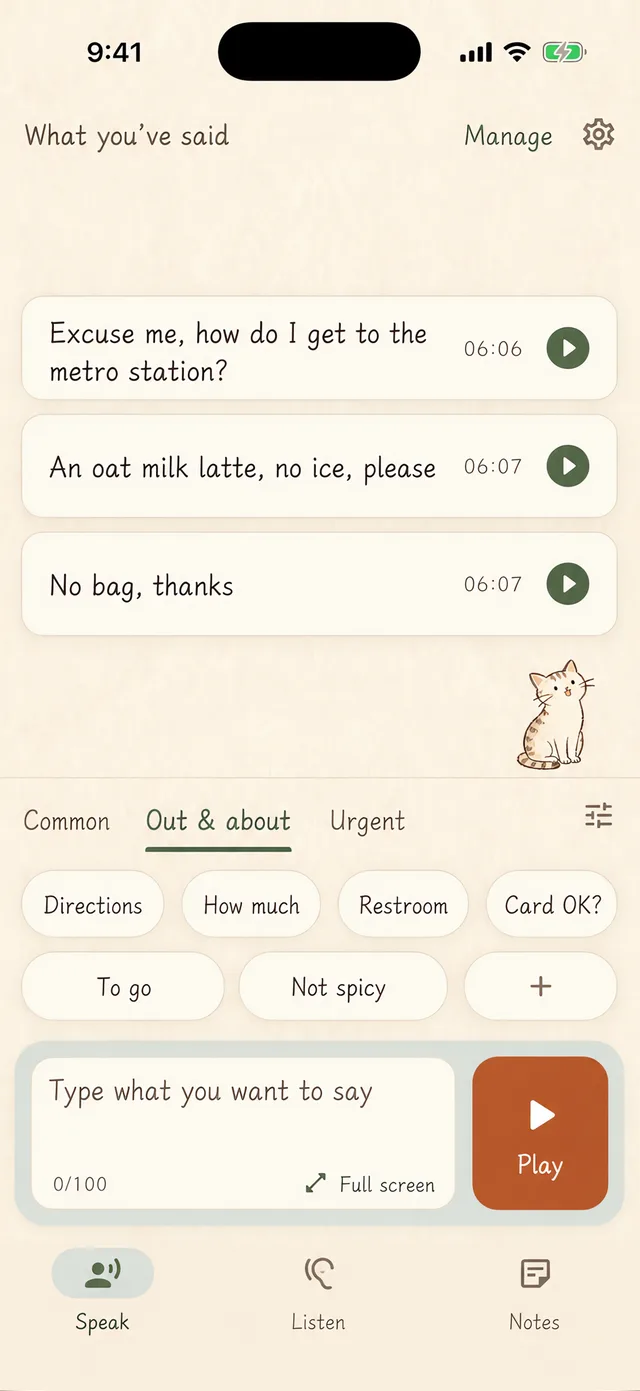

Speak
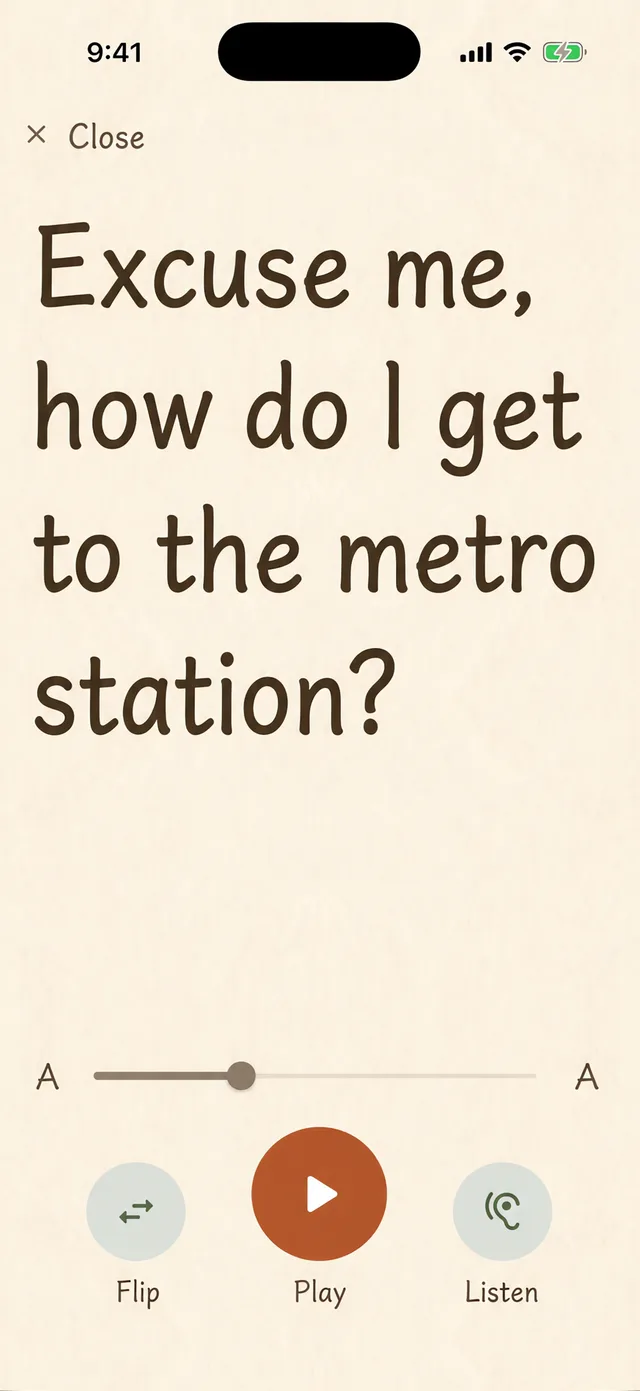
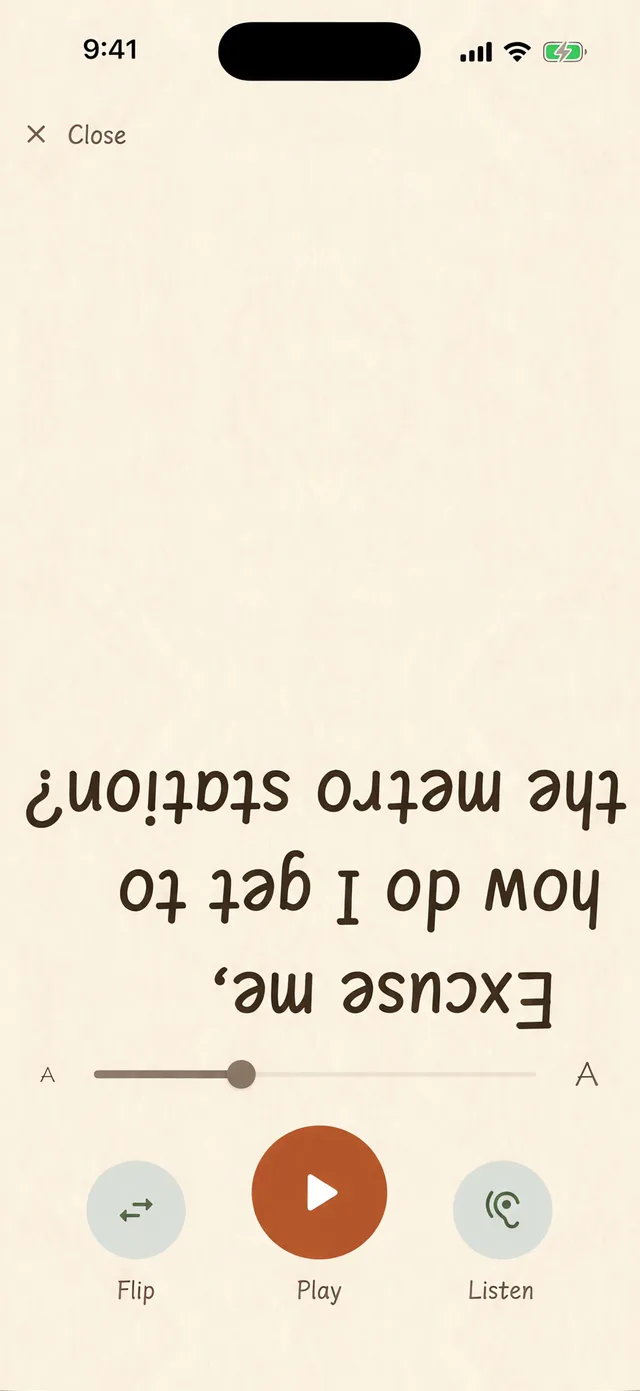
Make the text as large as it goes, then flip it with one tap
Asking directions, ordering, checking in at a clinic — without having to explain again why you’re not speaking. Keep the lines you say often as phrases and tap once to play them. One tap flips the text upside down and moves it to the lower half of the screen, so the person across the table reads it the right way up. You never hand your phone over.
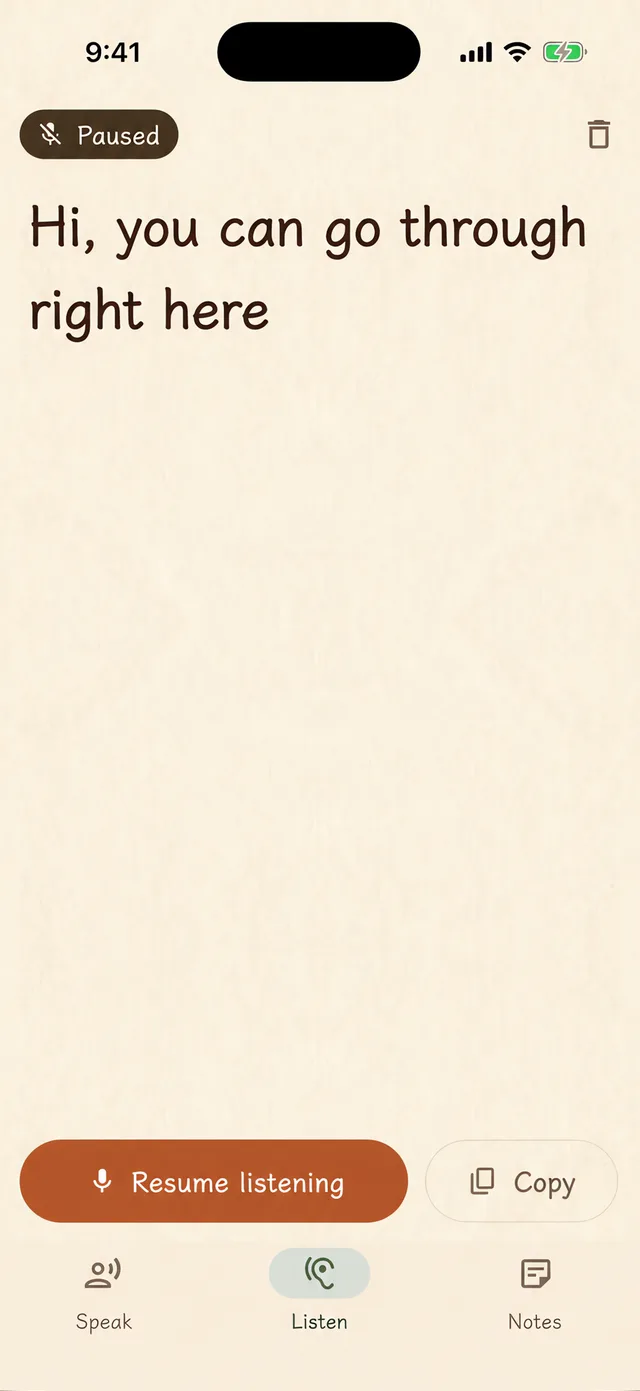
Listen
The moment they speak, it turns into big text
No need to ask twice. After two seconds of silence it starts a new line, with one sentence in each block, so looking back is easy. Text size and line spacing are yours to set — up to 50% larger.
Notes
And a third page, written for yourself
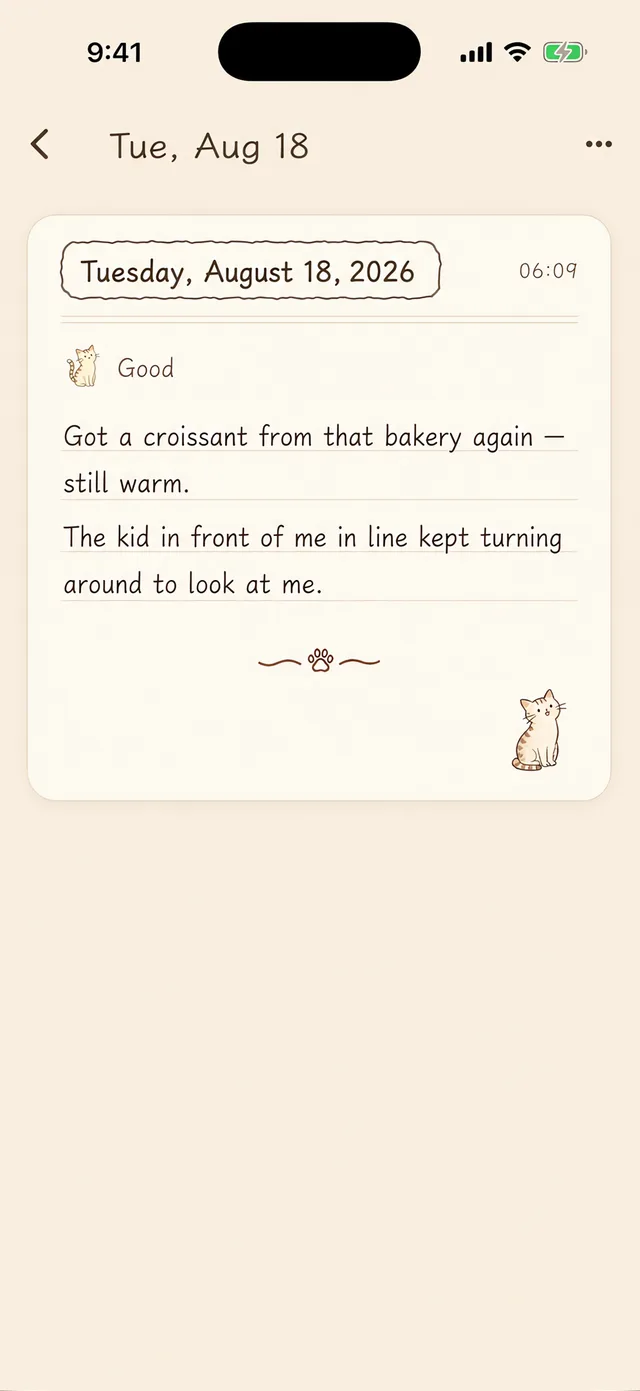
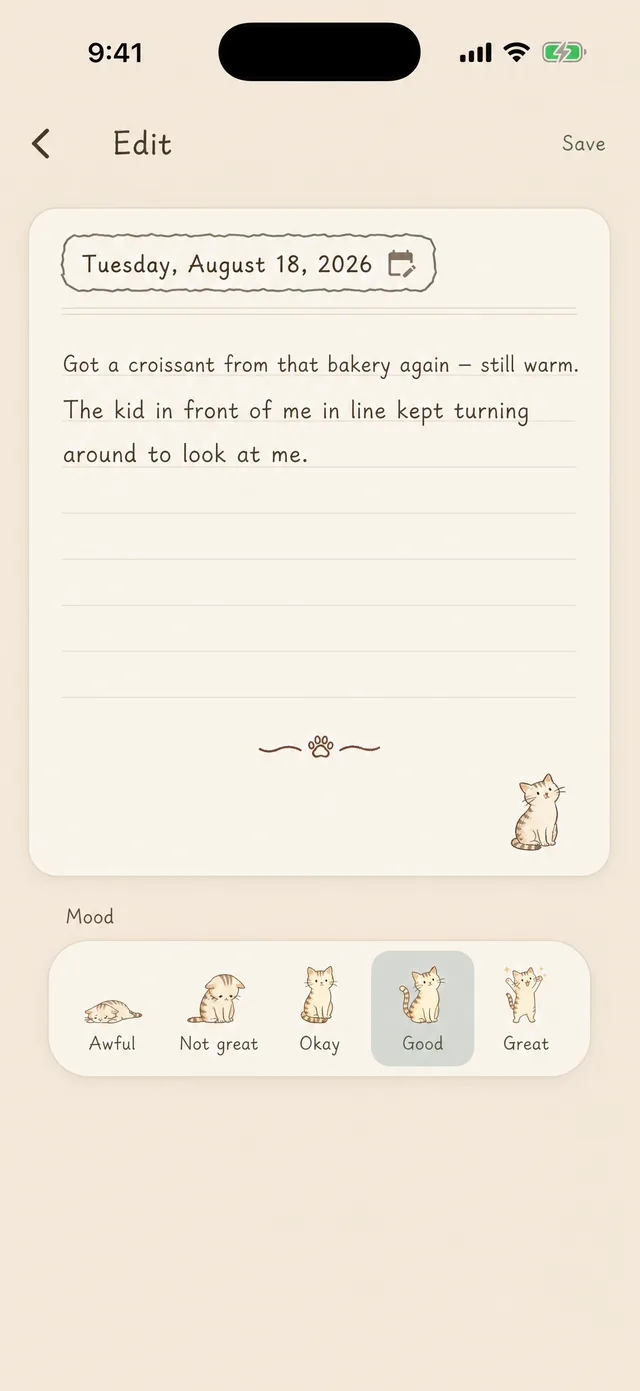
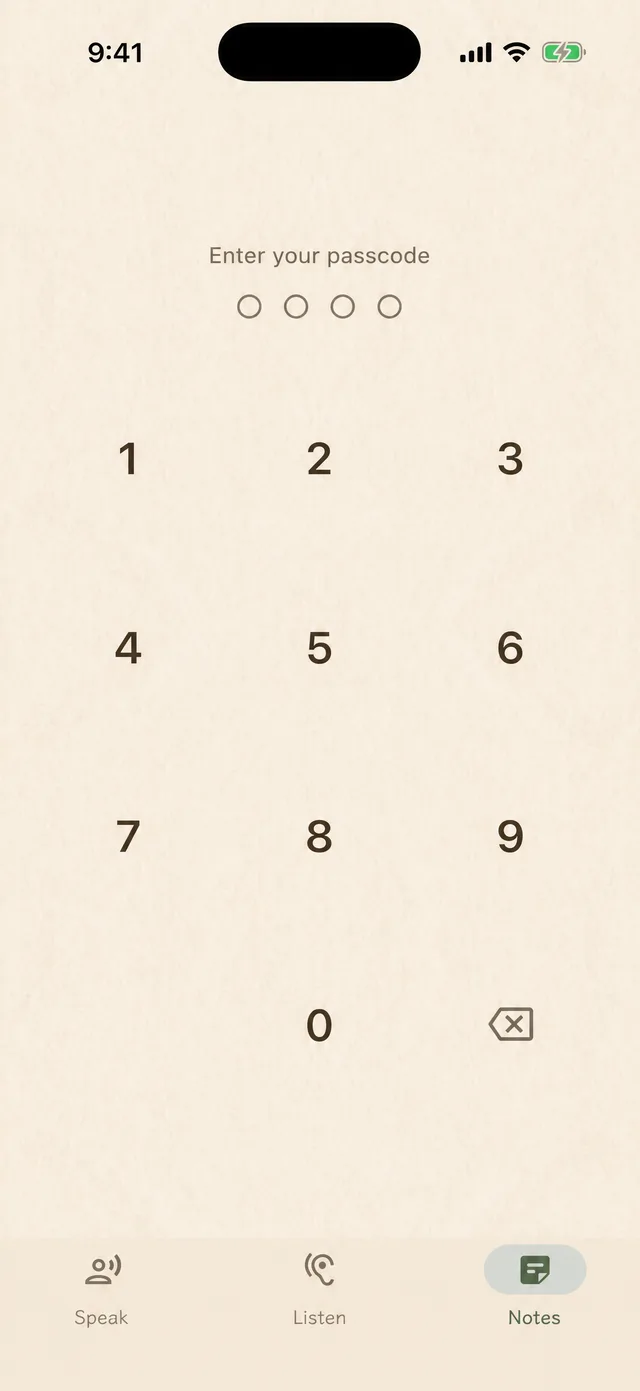
The speaking and listening screens face outward. The diary faces you. It uses a handwriting font and ruled paper, with a cat leaving a little mark in the corner. It locks itself the moment you leave the page.
A few smaller things
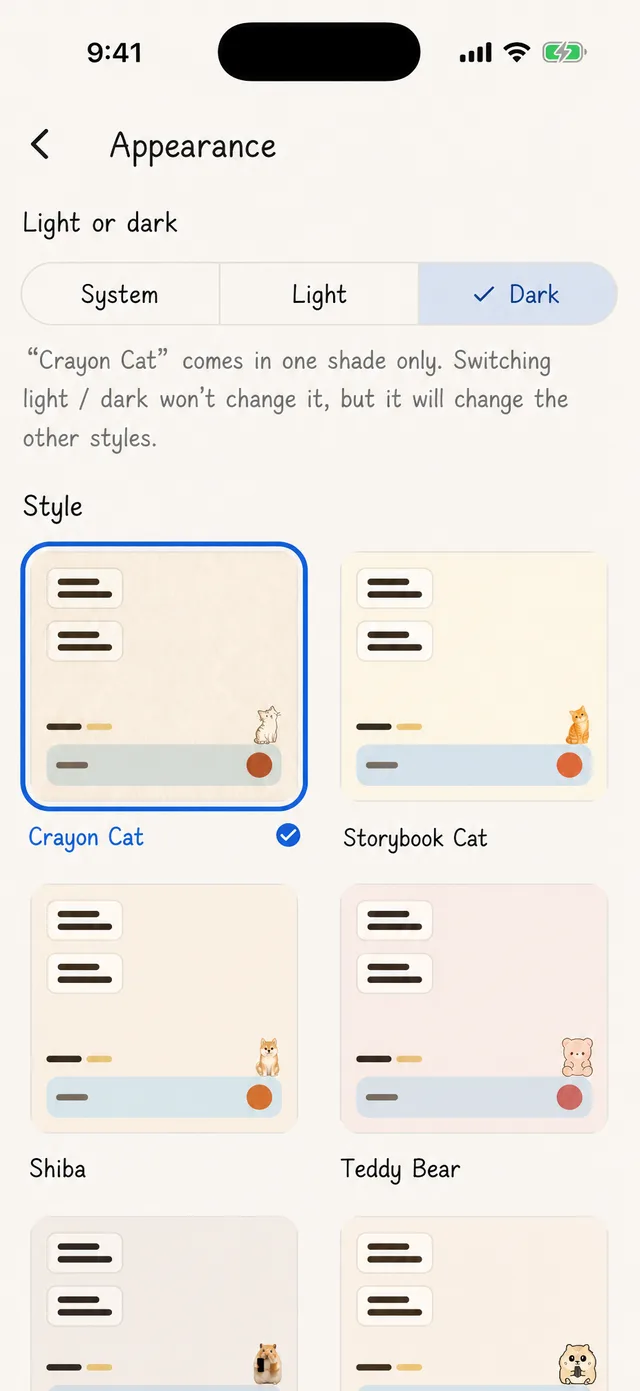
Twelve looks, switch anytime
Six include a handwriting font and an animal that changes pose based on what you’re doing. Six are plain — one of those is high contrast, for low vision.
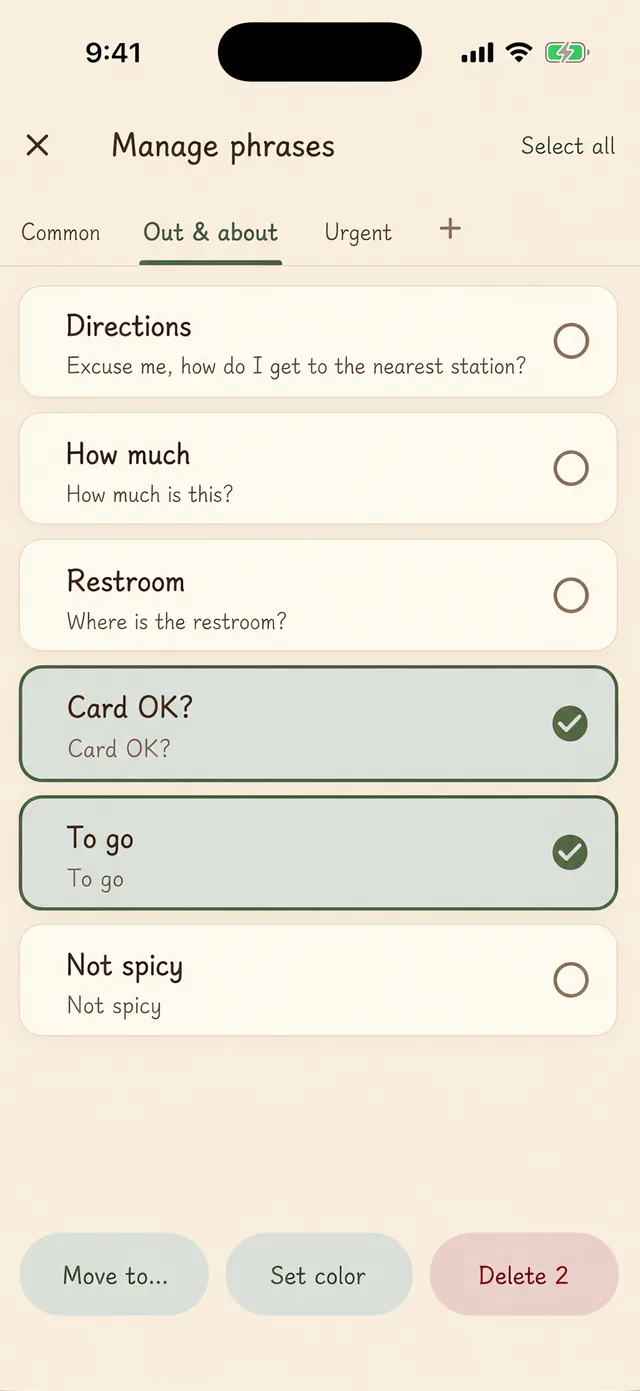
Phrases you can actually organize
Create categories, drag phrases to reorder them, select several at once to delete, move, or change their color. If you delete one by mistake, you have two and a half seconds to undo it — no confirmation box in the way.
Your own character
Pick a photo from your library and it becomes the animal in the corner. The cutout happens on your phone; the photo never leaves it.
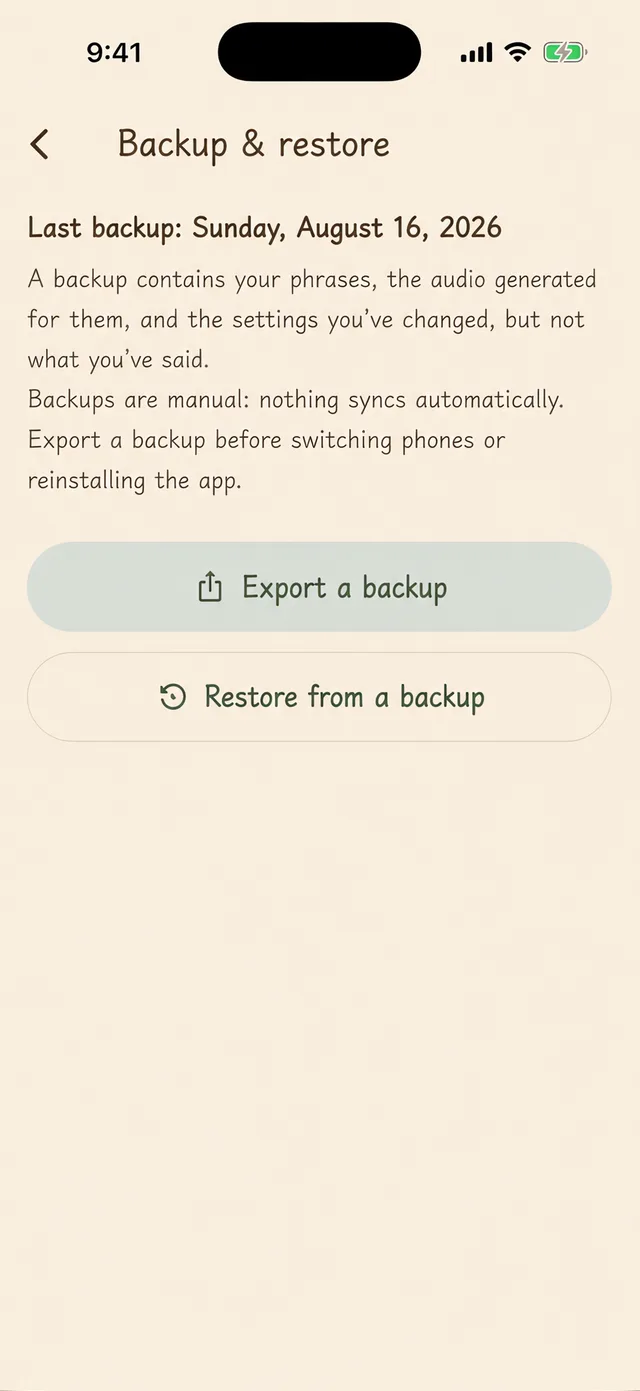
Nothing lost when you switch phones
Export one file and take it with you: your phrases, the audio already synthesized for them, and every setting you’ve adjusted.

Guides
Plain answers about AAC apps and devices — what they cost, what is actually free, and how to tell which kind you need. Prices are checked against the App Store and dated.
How much does an AAC device cost?
Current US prices for dedicated devices and for apps, plus the insurance rule most families do not expect.
Free AAC apps: which ones are actually free
Almost every free AAC app is a symbol grid. If you need a keyboard, here is what the options cost.
Why does every AAC app look like medical equipment?
Appearance affects whether an AAC app gets used in public. Here is why they all look clinical, and what can be changed.
Apps that speak what you type: the iPhone options compared
Six iPhone apps speak what you type. Here is how they differ, what each one costs, and who each one is for.
Who it’s for
Made for people who can’t speak. People who have never been able to, people recovering from surgery, people with a sore throat, people who just had their wisdom teeth out — and people who simply don’t feel like talking today.
